


Nivst
-
Posts
32 -
Joined
-
Last visited
Content Type
Profiles
Forums
Gallery
Everything posted by Nivst
-
@Cosmik42 any chance we can see the new IR transmission capability soon? Since the latest PoweredUp app version you can use the PU color/distance sensor to send IR commands to PF.
-
I'd check it now, but don't think I can claim this as work related while working from home
-
Can you call a script on the host filesystem from within BAP?
-
If you can just push commands to attached devices then you're halfway there. I imagine it will require some work on both ends though.
-
Sensors are much cheaper and there's a greater variety of them. Also removes the silly 2 devices per hub limit imposed on us :(
-
@Cosmik42 thanks for the reply, I should be able to manage my layout without needing state[99] ;) Any chance you had time to check the sensor LED bit? Attaching the PoweredUp app control of this setting.
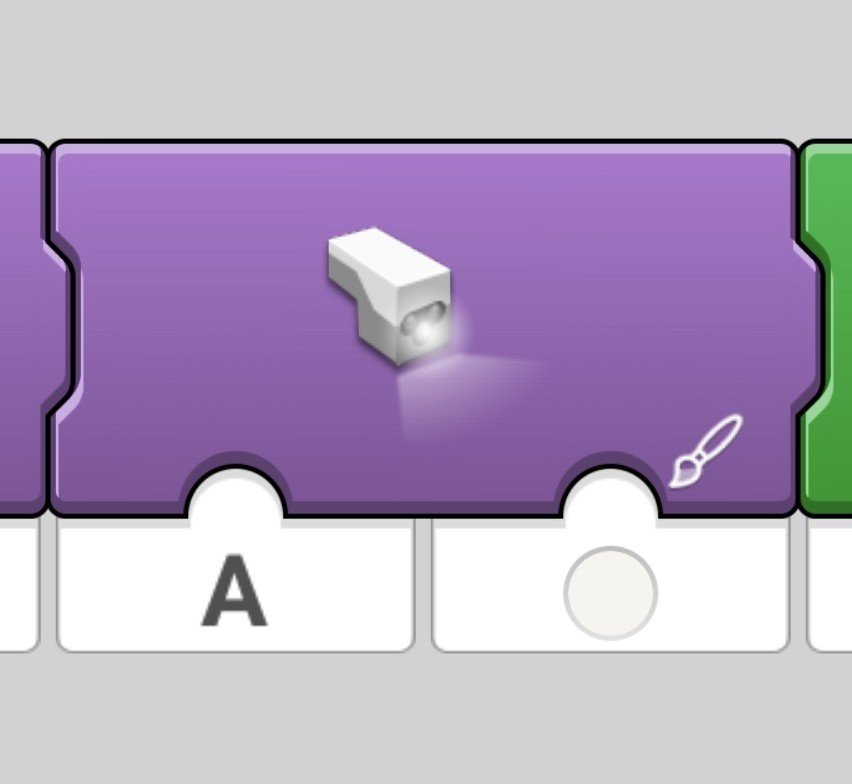
-
What a newbie mistake! This is why you don't do complicated things at 23:00 The thing that threw me off was that the help says: - State[0-100] - 100 slots of integers... Seems like 99 is also not available - same fatal error. Thanks @djm!
-
@Cosmik42That's for the hub LED, the color sensor has its own LED. Also, I'm trying to randomize my layout a bit - I've built a siding that I want the train to take randomly by stopping and backing into a switch - but I don't want to hit it every time it goes through the main loop. I added this to one of my triggers, but Hub.State doesn't seem to like being assigned an int through a variable. Random rnd = new Random(); int rand_num = rnd.Next(1, 10); Hub[0].State[100] = rand_num; The result is this error and breaking out of the execution code: FATAL ERROR In Program: Index was outside the bounds of the array. Any help would be appreciated!
-
Does anyone know how to set the PoweredUp color and distance sensor LED to a certain color? You can do it in the PoweredUp app and setting it to white seems to improve color detection. @Cosmik42 have you thought about adding the option to control the color sensing threshold? Color detection works a lot better with the LEGO app.
-
@Walt White members of the forum and the trains group on FB have reported better success when mounting the sensor sideways and downwards. You can also use the different hub.states to store and act upon the different stages of your layout.
-
Can you show your layout?
-
I've seen people here and on the Facebook page say they're using dongles, either for PC's without or with an old/weak onboard BT card.
-
Ah, yeah, you're right. What's I've done in our last show was add a PoweredUp remote and assign some actions to several buttons, that way I didn't need to fiddle with the computer when I wanted small things to happen manually.
-
Color coding can help you differentiate between different hubs and states, for example - hub turns purple when it's about to go into a siding. Or you can also use it as another flag, change color when a certain event triggers or a condition is met, and query the hub for it's color later on for some logic. Have you tried click the "Stop Listening" button at the top left of the program tab? That will stop that branch.
-
You can get around that by using the hub states as flags.
-
Take a loot at the help menu, there's at least a partial list there.
-
Controlling two trains on a single layout using Powered Up functions
Nivst replied to mfair's topic in LEGO Train Tech
I suggest you take a look at The Brick Automation project: -
I'm sure others will confirm that it's not a good show without a train crash or 2 ?
-
Yeah, I'm not a developer either but have experience with scripting languages, fortunately, hacking and pasting works in this level of complexity ?
-
None of the other colors worked reliably for me. I suggest using flags or hub states to allow for more complex situations, @Lok24 mentioned it in one of his previous snippets. So the first yellow plate will slow the train and set up a flag so the next yellow is ignored. Then the last color in the chain can reset the states for the next pass. That's how I'm going to tackle my next layout - and how I've done it on the PoweredUp mobile app.
-
You can change the refresh rate of the sensor in BAP by editing the hub it's connected to. Try out different numbers there.
-
The sensor in my 60197 is connected to the train baseplate with a single bracket, and the color markers are a plate+tile. https://imgur.com/p4CRWCw (file upload limits are crazy here...) Reducing the speed a little helps with detection and responsiveness. Also note that some colors are detected more successfully than others and at greater distances - red is furthest, then yellow and finally white - from my experience, so it's worth experimenting with different colors. In our last event I had a yellow marker to slow down the train and then a red to stop it.
-
In today's LEGO Ideas digest email is a link to a new survey about AFOL's thoughts on lighting, jewelry, stickers and train tracks! The track related questions are in the Customization section. https://www.surveymonkey.com/r/9RL2FVN
-
That's clever! The whining in low speeds is horrible... I'm also using variables for the speed, was helpful during our last show - as the batteries grew weak I'd just bump the values up in one place.
-
Haven't tested, just remember (or think I do) what's listed in the help section.