bLEGOnder
-
Posts
9 -
Joined
-
Last visited
About bLEGOnder

Recent Profile Visitors
804 profile views

-
Looks nice! The basic idea is very good. Perhaps you could build another model with an angular roof and other fences (I don't think that they fit). Moreover, it would be better if the minifigs have got real guns. I know that this is a problem which can't be solved in LDD because you don't have these pieces there. You could build a better model perhaps with LDraw (see signature >> You can export your model in LDD and modify it in MLCAD !). This would grade up your model very much. But it looks quite good if you bear in mind that it's your second CAD LEGO model! Keep it up!
-
I like the Abandoned Station very much because it appears sooooooooooooo realistic! Very nice MOC! Very big compliment to you! . I like these WW sets!
-
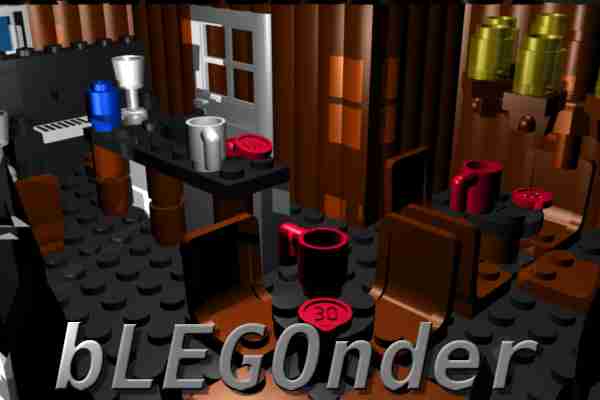
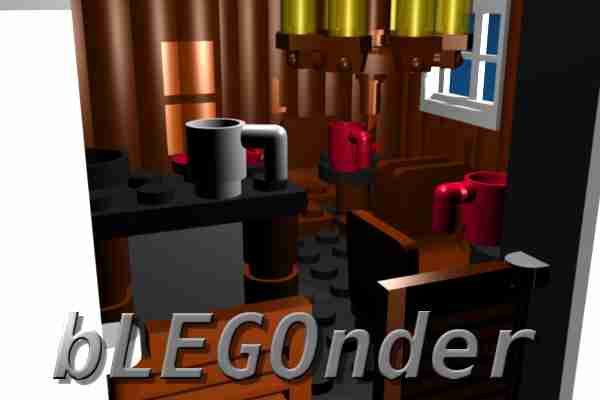
The rendering is made only fast to have a preview. It doesn't look very good because of the hard shadows. But it's good enough for a preview, I think. Rendering preparation needed 3 minutes. A real look (daylight everywhere,...) is harder to realize and needs more time . I am ashamed but I won't build this saloon as a real LEGO model because I will only use it for a 3D brickfilm (that's the reason why I need the backwall). Moreover I don't have some of the necessary bricks.
-
That's true. Thank you for your hint! I only wanted to place a piano in there (and I think there should be something like a kitchen, too ) and because of that I have a little "place problem". If there has to be more place I have to remove the two chairs with the little table on the left side. I'll see.
-
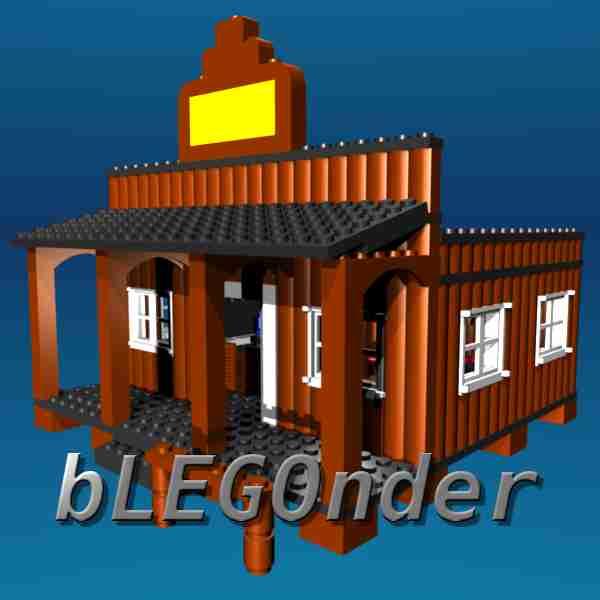
I created a saloon some days ago with LDraw (see signature for help). Well, until I have got a brickshelf account or something else where I can host pictures I simply use attachments. Here is my saloon (the saloon label is missing). This saloon is a part of a little WW town I am creating at the moment. Therefore the pictures aren't very good because it's only a little test rendering. The quality of the pictures is really bad but I can only use 100K (you know this ).
-
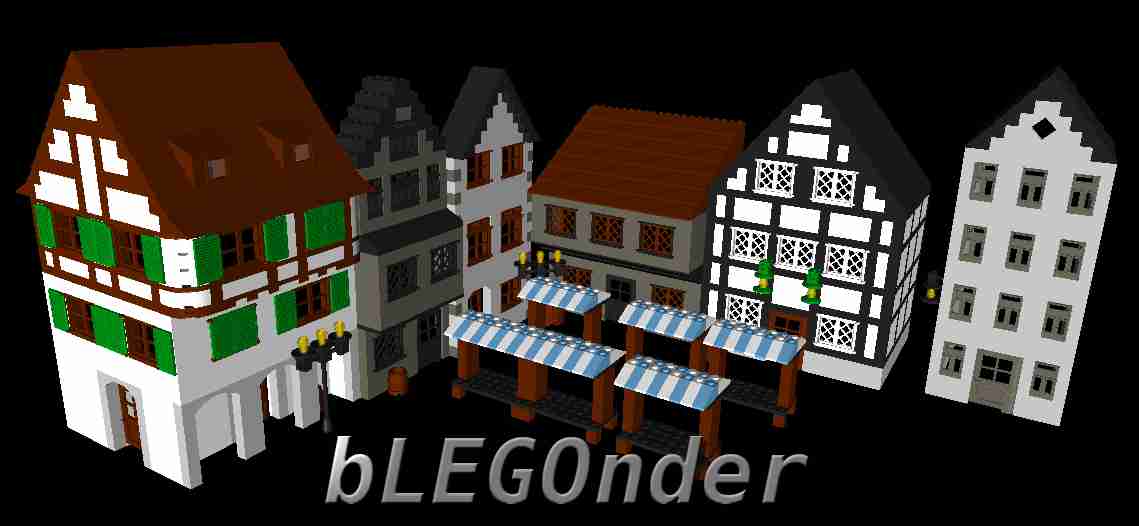
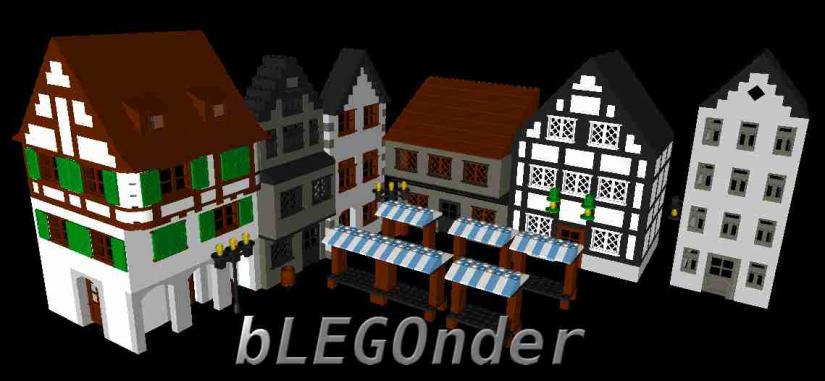
B-OV-3E Hi everybody! Here is a picture of a MOC I made a week ago. It's the older part of a city with half-timbered houses and market stands. The quality is really bad but I don't have a brickshelf account or something else at the moment. Please tell me whether there are "stylistic" mistakes. It should be an old town of the 18th century. Edit: I forgot to mention that this is only a backdrop for a movie. That's the reason why some houses only have a front.
-
I like WW sets very very much! I created a saloon some days ago with LDraw. You can find the topic of my MOC here. I've moved it.
-
Hello Minifigs! I'm bLEGOnder and I am ... new here Perhaps you are racking your brains what the name "bLEGOnder" will tell. I thought a simple name like "John8848x48gh" is very boring and because of that I decided to create a name which is telling you something about my hobbies. (By the way... I only learned English at school because I'm not from an English speaking country; I hope that you can understand me anyway ) The name "bLEGOnder" contains of course LEGO because this absolutely indispensable to life . Moreover, if you remove the "GO", it contains the name "Blender" . Blender is a very good open-source 3D program. But how does this fit together (LEGO and Blender)? I will explain you that: You can build LEGO models not only in reality. There is another way, too: on your own computer! Bricks are unlimited and you can build a complete city with millions of bricks without having one little 1x1 brick at home ! And the best of all this is: it doesn't cost you anything and you can animate everything and make your own film (visit Brickfilms)! That's incredible, he? Well, if you are interested in building your own LEGO models on your computer, I can describe you shortly how all this is working and what you need for this. Download LDraw This is an open standard for LEGO CAD programs. If you install it, MLCad and LDView are automatically installed, too. In MLCad (CAD-program) you can create your LEGO models and you can watch them in an interactive 3D view in LDView. If you only build models and you don't want to animate them (for a movie,...) then you don't have to read the following points 2, 3, 4, 5 and 6. After building your models in MLCad or another LEGO CAD program (those files are .ldr, .dat or .mpd) you have to export them in another file format which you can import in a 3D program to animate them (see 3.!) To export the LEGO models you can use for example LeoCAD, which is a LEGO CAD program, too. There you can export your model as a 3ds file which can be imported in Blender (see 3.!) then. The most common 3D programs are for example 3ds max or Cinema4D. But I don't know them because I use Blender which is open source and free (which plays of course the most important role for me). If you don't want to buy a 3D program then download Blender. If you don't know Blender or work with it then I have to tell you that you have to spend a lot of time on learning Blender because it's quite complicated to use it. By the way: you don't need to install PovRay at the LDraw installation if you want to use Blender. After importing files in Blender, it might be necessary to prepare your models and remove many vertices (it depends on the size of your model) because it takes a lot of time to render your files if they have over a million vertices. After preparing your scene models in your 3D program you can animate your models. Render the scene (that means you get real pictures or movie files you can use for a DVD then...) If you don't understand point 2, 3, 4, 5 and 6 then forget about it (or you can ask me, too - but I don't know everything ). You don't need this if you only want to build models which aren't used for an animation. Well, this introduction is specified on Blender because I don't use other programs. I don't know 3ds max or Cinema4D... Annotations: For importing LDraw files in Blender there are several Python-scripts on the internet (you don't need LeoCAD then). But I didn't find a really good one by now. There are other programs you can use for creating your LEGO models, too. There is for example LEGO Digital Designer. You have to export this as an LDraw file there. But I don't use this and I can't tell you whether it works fine or not. For rendering and animating the files, you can use PovRay, which can be installed at the LDraw installation, too. But I don't use this and I can't tell you how it works and whether it works fine or not. The most videos I saw didn't smooth the bricks (for example a round brick). There you always see that those are no real bricks. But in Blender you can set them smooth. I can summarize the basic steps your own CG brickfilm again: modeling - animating - rendering Example for a 3D brickfilm: (I don't think that this was made with Blender)This is an incredible brickfilm; I didn't make an animation of this quality by now because this is really professional! Well, I hope I could help some of you who always wanted to build a big LEGO model but who don't have enough bricks (like me). But it is true that all this costs a lot of time, too. My avatar shows a penguin (modeled and rendered in Blender) and CAD LEGO models (renderd in Blender, too). So all in all I'm a LEGO fan who is specialised on creating virtual LEGO models. I like LEGO very much - especially the western and "old" town sets. That's a little bit about me. You can ask me something if you want to create a virtual LEGO model. Model! - Animate! - Render!