ibzyfitzy
-
Posts
14 -
Joined
-
Last visited
About ibzyfitzy

-
Same version here :(
-
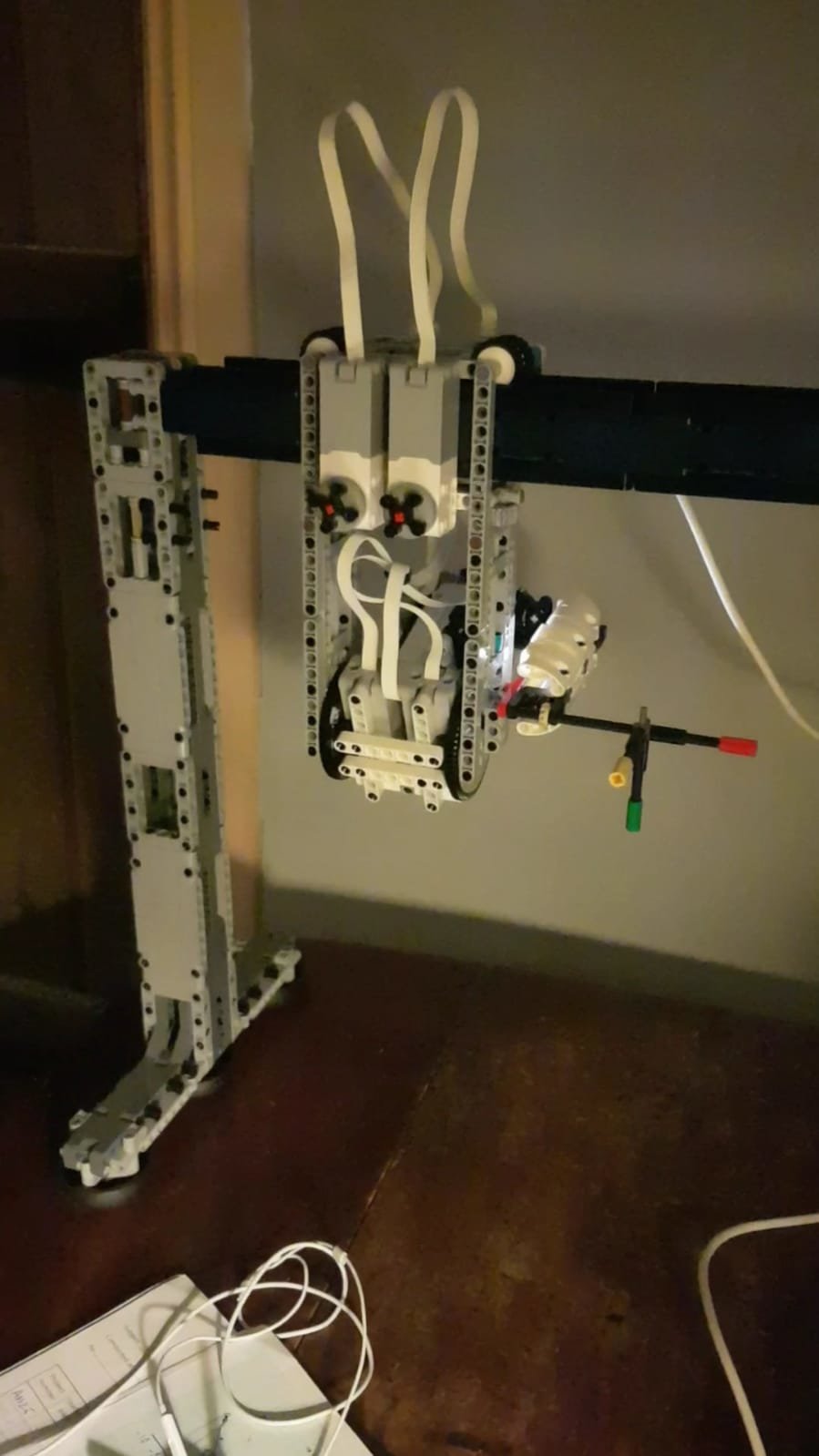
Hey guys, thought you might like to see the robot I built whilst home for the holidays this year, joyfully reunited with my lego (oh and family):
-
Thanks for your help. I tried turning off the extensions on chrome but it didn't do anything. It seems like the latest update has some other bugs too so I'm hoping they fix it soon. Not sure who to complain too!
-
Hey guys I've been using the official app for Robot Inventor and, following an update today, the little text-predicting drop down menu has disappeared! It saved so much time typing. Anyone else got this problem or know a solution? Many thanks, Ibz
-
[WIP] Mindstorms 51515 Plotter
ibzyfitzy replied to ord's topic in LEGO Technic, Mindstorms, Model Team and Scale Modeling
You can do it with just a little math though. I divide the speed of the one that has to go slower by the rotation ratio. My end effector is now staying nice and straight :) -
[WIP] Mindstorms 51515 Plotter
ibzyfitzy replied to ord's topic in LEGO Technic, Mindstorms, Model Team and Scale Modeling
You're welcome! Last night I made good progress too: Here's how you wait until all your motors have stopped: While motor_a.busy(1) or motor_b.busy(1): sleep_ms(10) It's basically checking them every 10 milliseconds to see if they're no longer 'busy'. The 1 indicates a busy state. -
[WIP] Mindstorms 51515 Plotter
ibzyfitzy replied to ord's topic in LEGO Technic, Mindstorms, Model Team and Scale Modeling
That's right, it doesn't wait. In fact I now have the opposite problem whereby I don't know how to make it wait when I need it to! I wish there were some examples in the documentation. -
[WIP] Mindstorms 51515 Plotter
ibzyfitzy replied to ord's topic in LEGO Technic, Mindstorms, Model Team and Scale Modeling
Yeah so you want to take off Import motor at the top and instead put Import hub. Then for your motor objects use: hub.port.A.motor (or whichever port you want). Mine looks like this: from mindstorms import MSHub, ColorSensor, DistanceSensor, App from mindstorms.control import wait_for_seconds, wait_until, Timer from mindstorms.operator import greater_than, greater_than_or_equal_to, less_than, less_than_or_equal_to, equal_to, not_equal_to import math import hub # OBJECTS: upper_arm = hub.port.F.motor lower_arm = hub.port.A.motor end_effector = hub.port.E.motor colour_sensor = ColorSensor("C") lower_arm.run_for_degrees(30, 30) The next thing I need to try and do is get them all to start and finish a particular plot move in the same time frame. They may be in parallel but they're not totally synchronized just yet, as some motors finish before others. -
[WIP] Mindstorms 51515 Plotter
ibzyfitzy replied to ord's topic in LEGO Technic, Mindstorms, Model Team and Scale Modeling
Aha thanks for the tip, Philo. I spotted new, small planetary gear parts on the new AT-AT set. At £700+ I won't be buying it sadly 😭. -
[WIP] Mindstorms 51515 Plotter
ibzyfitzy replied to ord's topic in LEGO Technic, Mindstorms, Model Team and Scale Modeling
Yeah got it working but simultaneously managed to finally get two motors in parallel using the deeper level documentation of lego micropython via https://lego.github.io/MINDSTORMS-Robot-Inventor-hub-API/class_motor.html It opened up a whole bunch of new questions such as how to wait before they all finish their motion, and a million other things I don't know, but that's the aim of this project for me - to get good at programming/coding. Yeah I've grown to hate those turntables after loving them for so long! Not only do they have a lot of friction, but it gets worse over time as bits of plastic roughen up the insides. For that reason I switched from the white design to the yellow one in the images below. It uses the ginormous planetary gear instead. [image won't load I'll try again later] -
Pybricks Q&A
ibzyfitzy replied to Pybricks's topic in LEGO Technic, Mindstorms, Model Team and Scale Modeling
Not to worry, I found this: https://github.com/pybricks/support/issues/167 and this: https://install.pybricks.com/ -
[WIP] Mindstorms 51515 Plotter
ibzyfitzy replied to ord's topic in LEGO Technic, Mindstorms, Model Team and Scale Modeling
Love the project! I've got a similar project going although it's a SCARA robot trying hopelessly to paint with a brush! I have a similar problem to yours in that I can't get motors to run simultaneously using the official app. May I ask how you managed to connect your RI hub to pybricks? It doesn't seem to detect mine. I'm an experienced builder but new to programming. Many thanks -
Pybricks Q&A
ibzyfitzy replied to Pybricks's topic in LEGO Technic, Mindstorms, Model Team and Scale Modeling
I've tried going on pybricks.beta but it still doesn't find it. That's what I was hoping for but I don't find it anywhere in the help section of the official lego micropython version. I have a feeling there's a way if you understand how to program at a deeper level, so I'm now looking for examples of python-based RI projects that I can hopefully learn from. Thanks for your help :)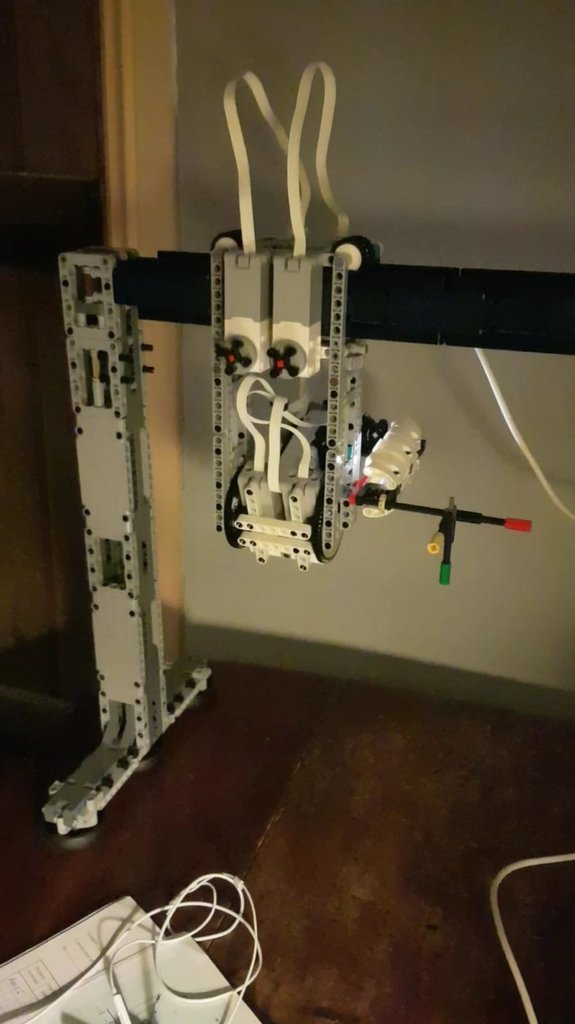
-
Pybricks Q&A
ibzyfitzy replied to Pybricks's topic in LEGO Technic, Mindstorms, Model Team and Scale Modeling
Hi there, Is pybricks currently usable with the robot inventor hub? Whether I try with Bluetooth or USB, I just get a 'No compatible devices found' message come up. I've been using the micropython software that LEGO provides for robot inventor, but it doesn't seem to let me control multiple motors simultaneously. Or at least I don't know how to do it. I saw some from another thread that pybricks lets you do that quite easily (I'm kind of an expert builder but novice programmer). Any help would be greatly appreciated - I've made a couple of SCARA robots that would be right up the pybricks street! Cheers, Ibrahim